What's New in LDAP Administrator 2026
This release focuses on improvements to import and export automation, and brings a wide range of quality of life features along the way.
Scheduled import/export
You can now create scheduled tasks for import and export operations directly from LDAP administrator. For example, a daily import of new group members or a weekly export of LDAP server data.
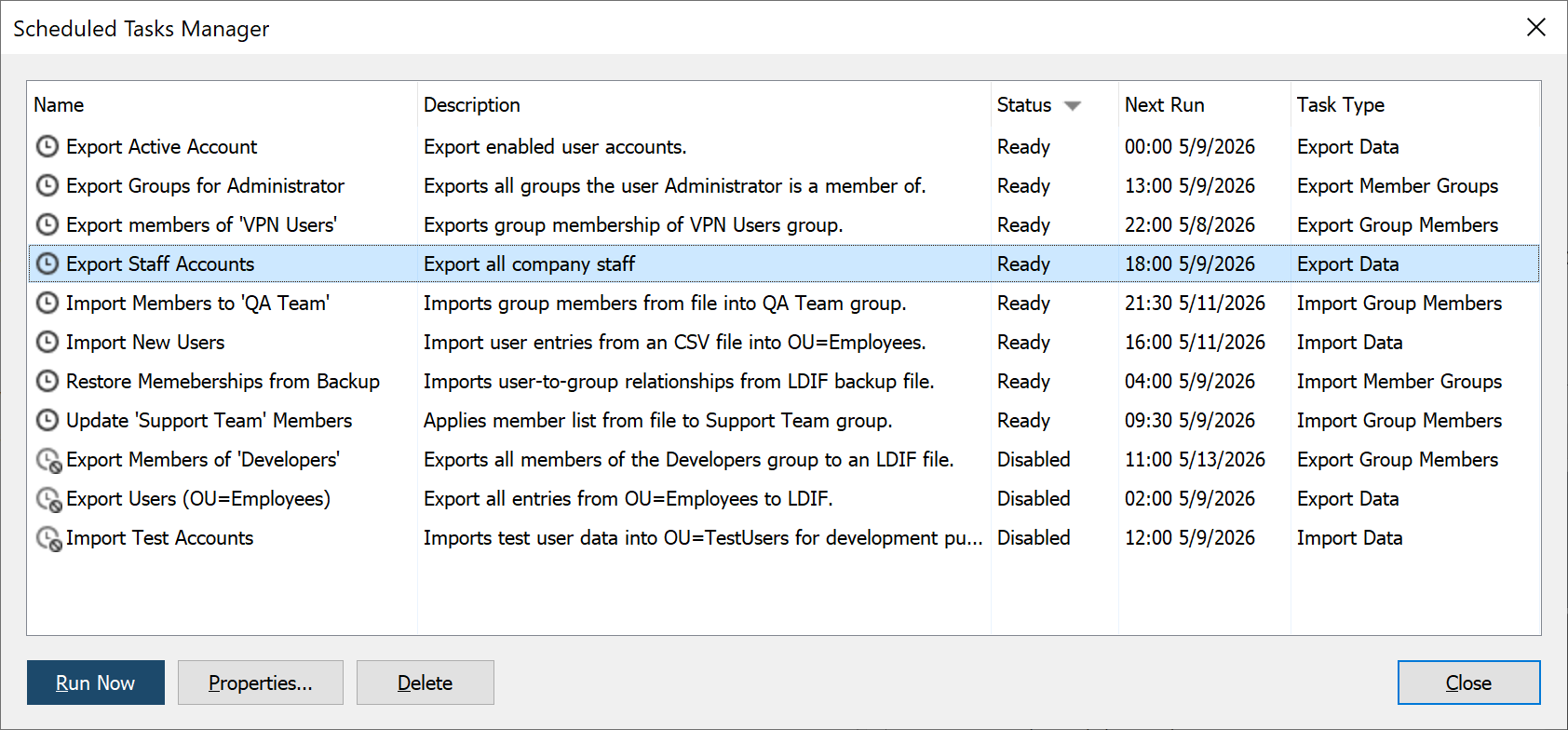
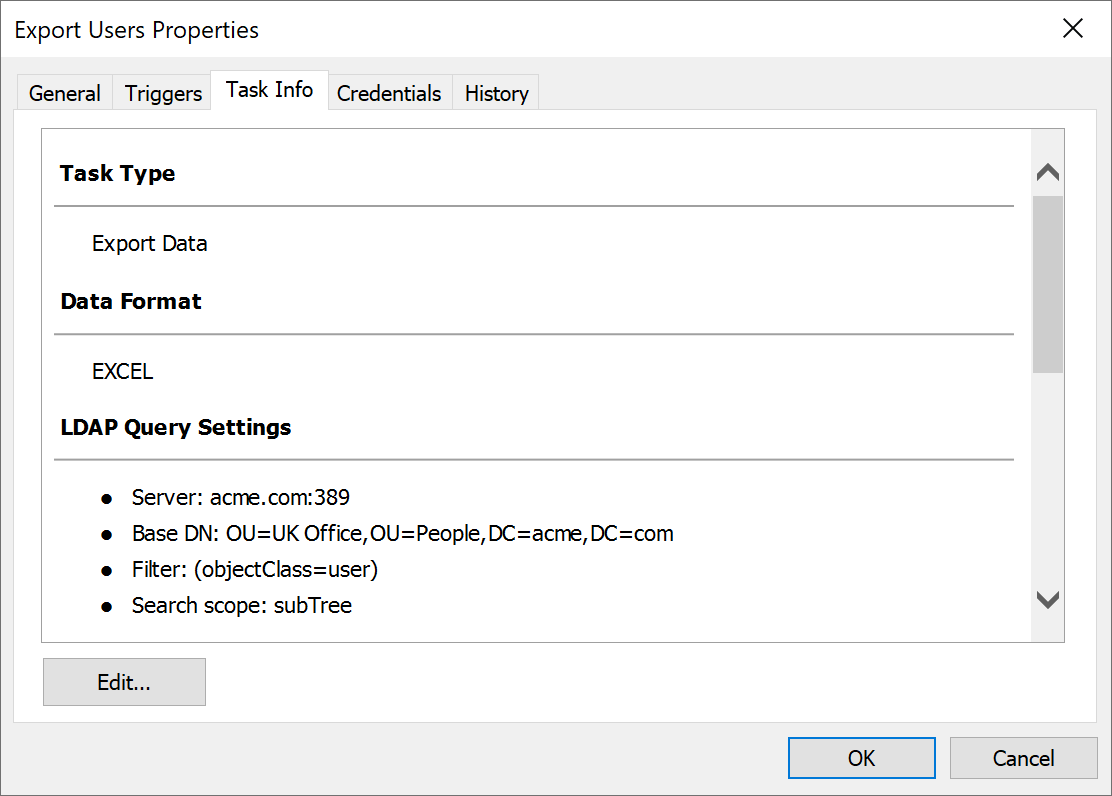
Every parameter of a scheduled import/export operation can be adjusted at any time from a convenient user interface within LDAP administrator, without fiddling with a console line tool and Windows Task Scheduler.
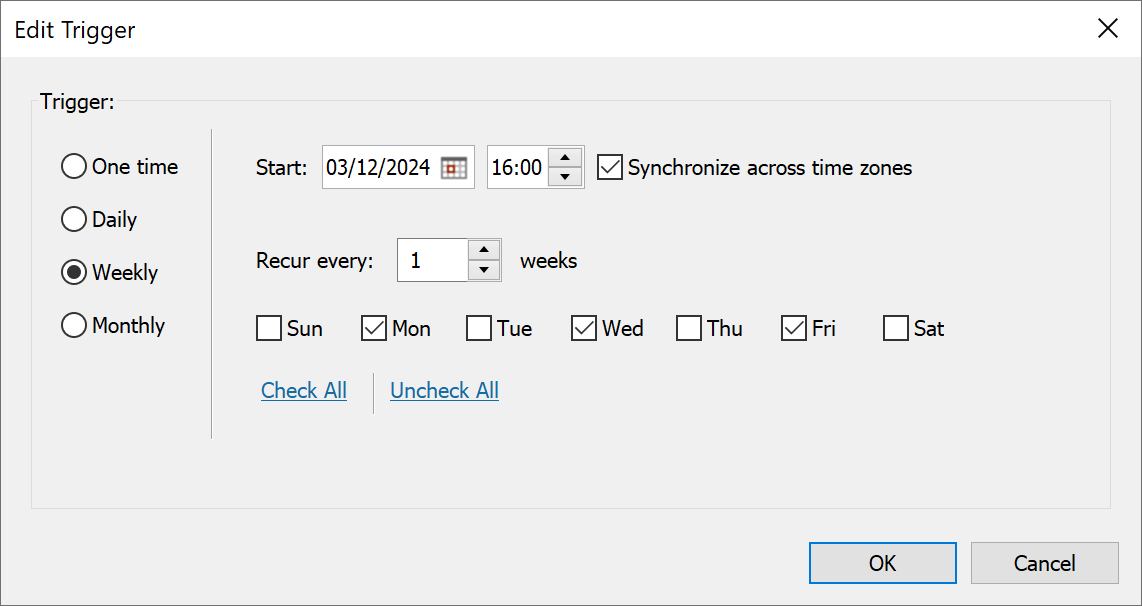
Flexible scheduling options
Almost any schedule is possible – from a simple 'daily at 5 AM' to complex schedules like 'every second tuesday of April'. Scheduled tasks can also be temporarily disabled when you need them inactive for maintenance.
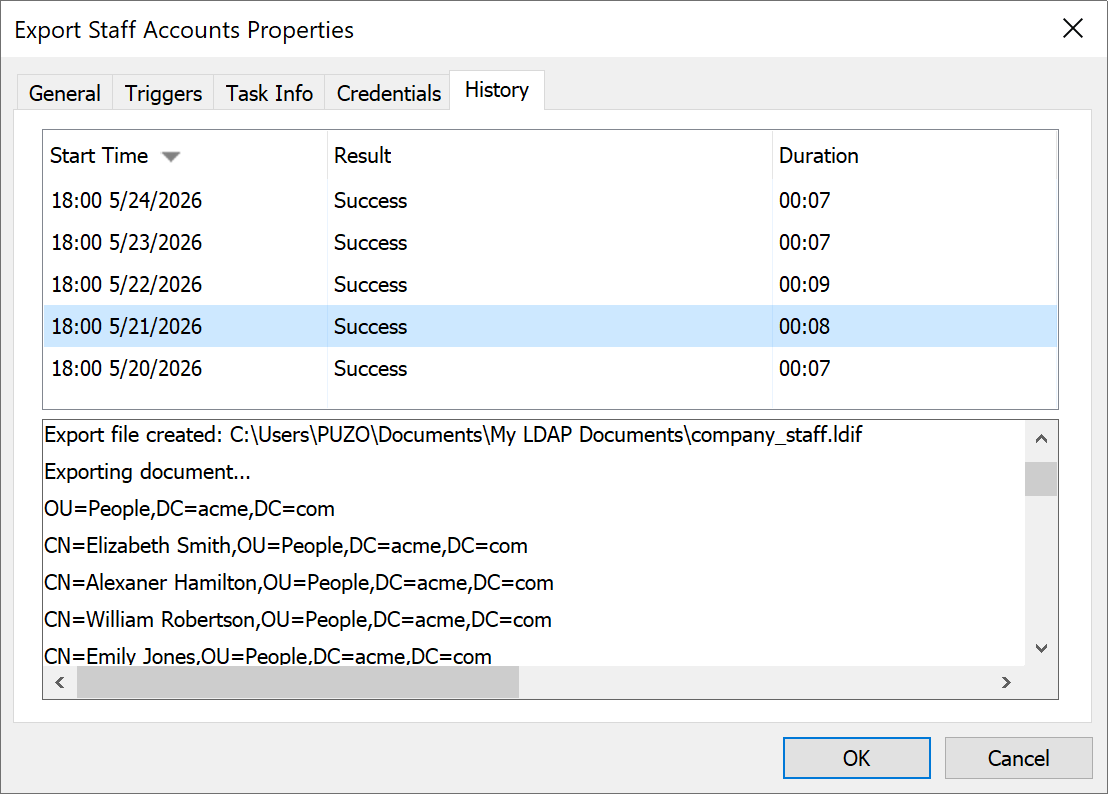
Execution logs
A full history of past runs and a detailed log for each import/export task is available, including any encountered errors or warnings.
Sequential file naming
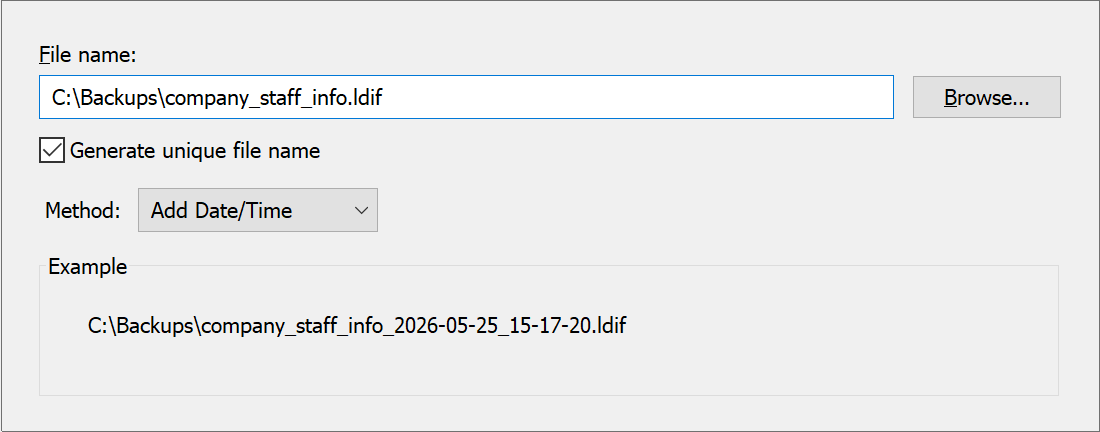
If you need to keep several exported files at a time, an export date or a counter can be appended to file names to avoid overwriting existing files.
Exporting search results as is
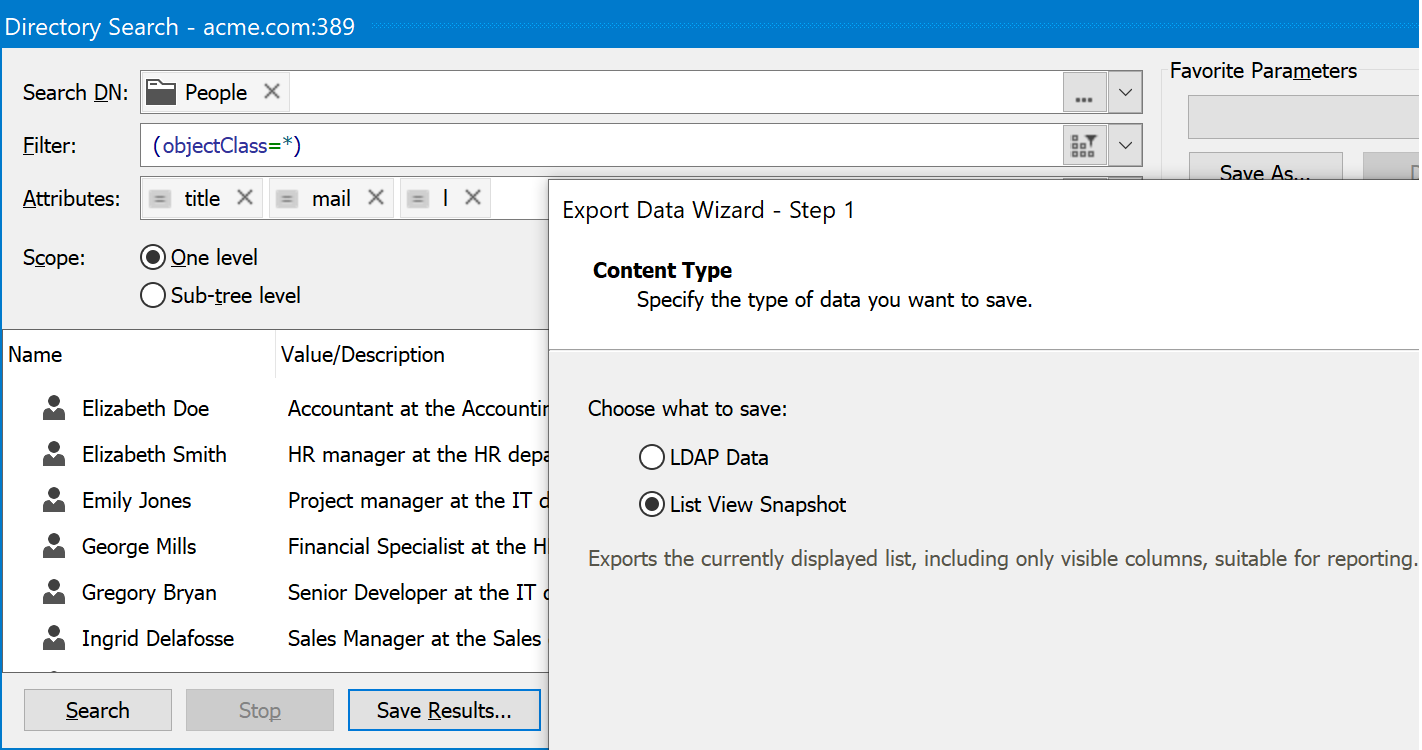
Search results can be exported exactly as displayed, producing a ready-to-use report rather than raw data. What you see in the grid is what you get in the exported file.
Other improvements
The following features enhance existing functionality for everyday usability.
Simple name viewing mode
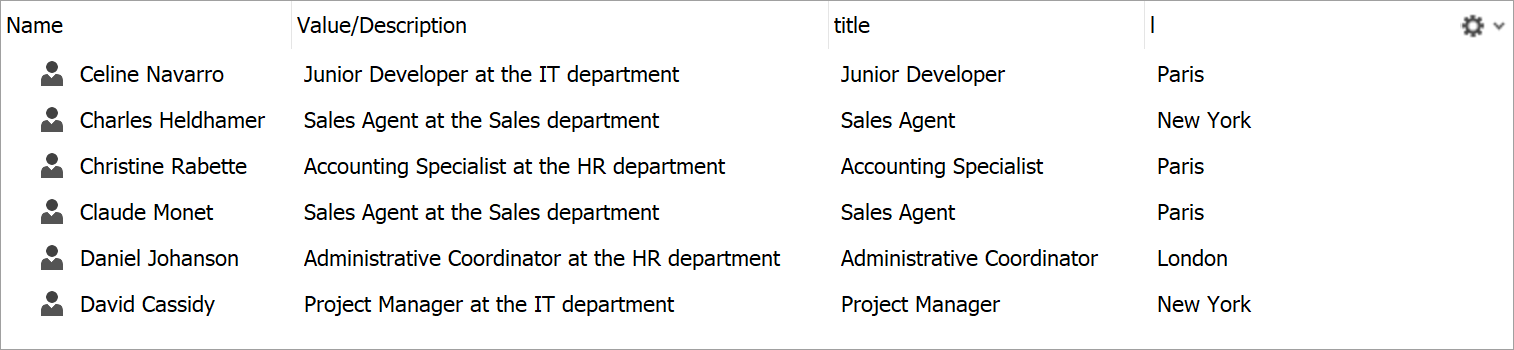
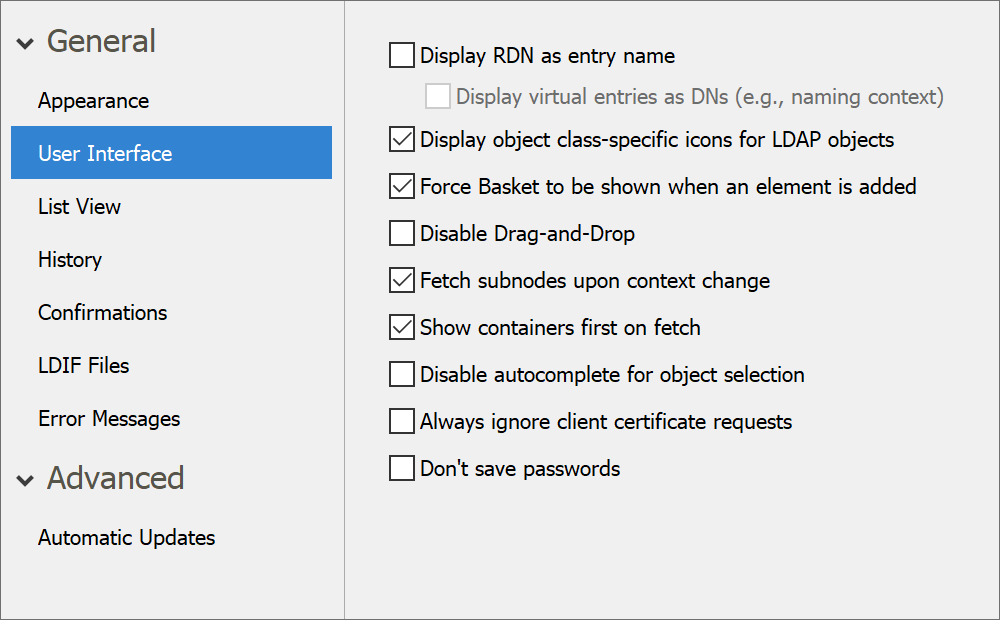
The RDN prefix is now hidden from object names by default, for a more user-friendly viewing experience. The mode where RDN prefixes are visible can be toggled back on in the application options.
Deleting values with templates
When deleting multi-valued attribute entries, you can use wildcard characters to target only the values that match. Great for cleaning up proxy addresses with domain names that are no longer used.

Configurable password length
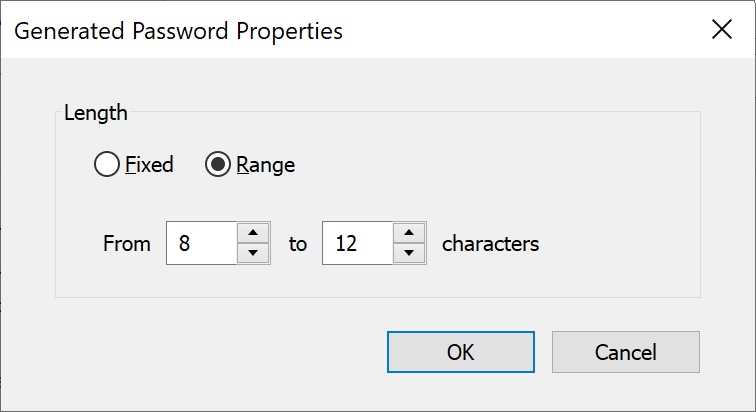
The built-in password generator now lets you specify the desired password length either as an exact value or as a range.
PBKDF2 password hashing
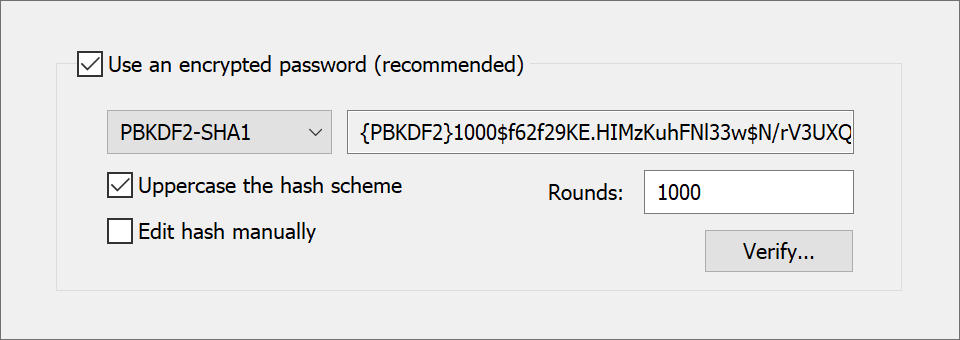
LDAP Administrator now supports the PBKDF2 hashing algorithm when storing passwords in directory attributes that accept hashed values.
Resizable quick search bar
You can now resize the quick search bar to accommodate for longer search strings or to reclaim toolbar space when working on smaller displays.

Expanded application settings
Many settings that were previously only accessible via the Windows Registry are now exposed directly in the user interface.
Reset to defaults
There's now an option to restore all application settings to defaults, just in case you break something and cannot fix it.
Automatic scaling for multi-monitor setups
The UI now stays sharp when the application window is moved between displays with different scaling factors, thanks to newly added per-monitor DPI awareness.
Automatic RDN generation
LDAP Administrator can now automatically generate the relative distinguished name when creating new objects on servers that support the name with entryUUID request control.
Command line group membership import/export
The laimex command line tool can now import and export group members and membership of objects in groups.